Clone a show and it's ready to sell
Most of your shows look alike: the same room, the same doors time, the same ticket types. Save them as templates in WordPress, clone one, set the date and the act, and publish.
How it works
WordPress Show Templates
01
Start from what you already run
Make a template for each kind of night you host, such as a club night, a seated theatre show or an early and late comedy double. Every new show cloned from it arrives with its details already filled in.
02
Works with your default tickets
Templates pair with your default product types, so a cloned show also starts with the ticket types you always sell. Tickets are in place before you've touched a price.
03
Publish when you're ready
Cloned shows are drafts until you publish them. Change anything that's different this time, then put the show on sale.
At a glance
Templates for every kind of show you run
Details pre-filled on every clone
Pairs with default product types
Draft first, publish when it's right
Screenshots
See it in Tessera
Click any screenshot to see it full size.
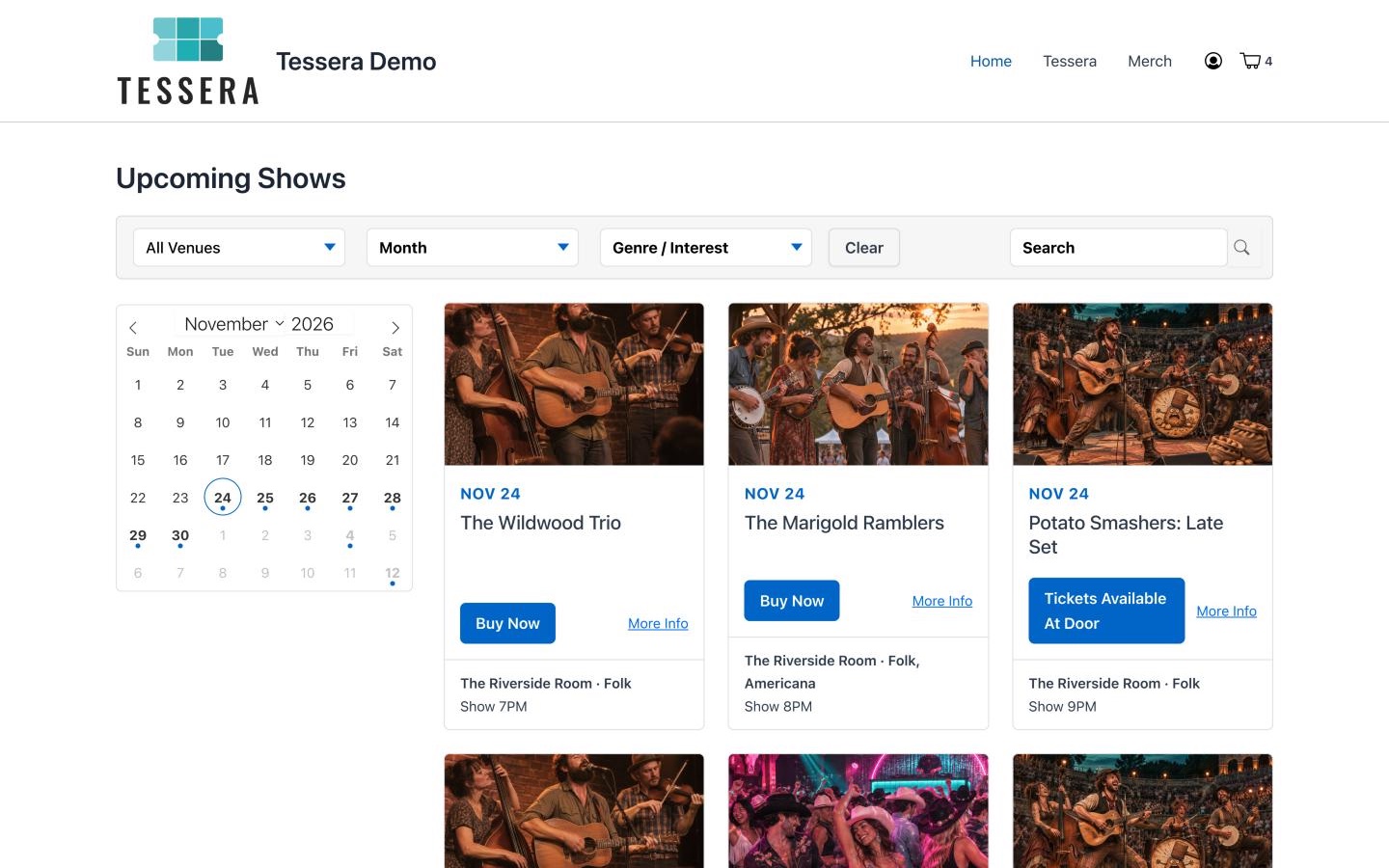
Cloned shows on the venue website
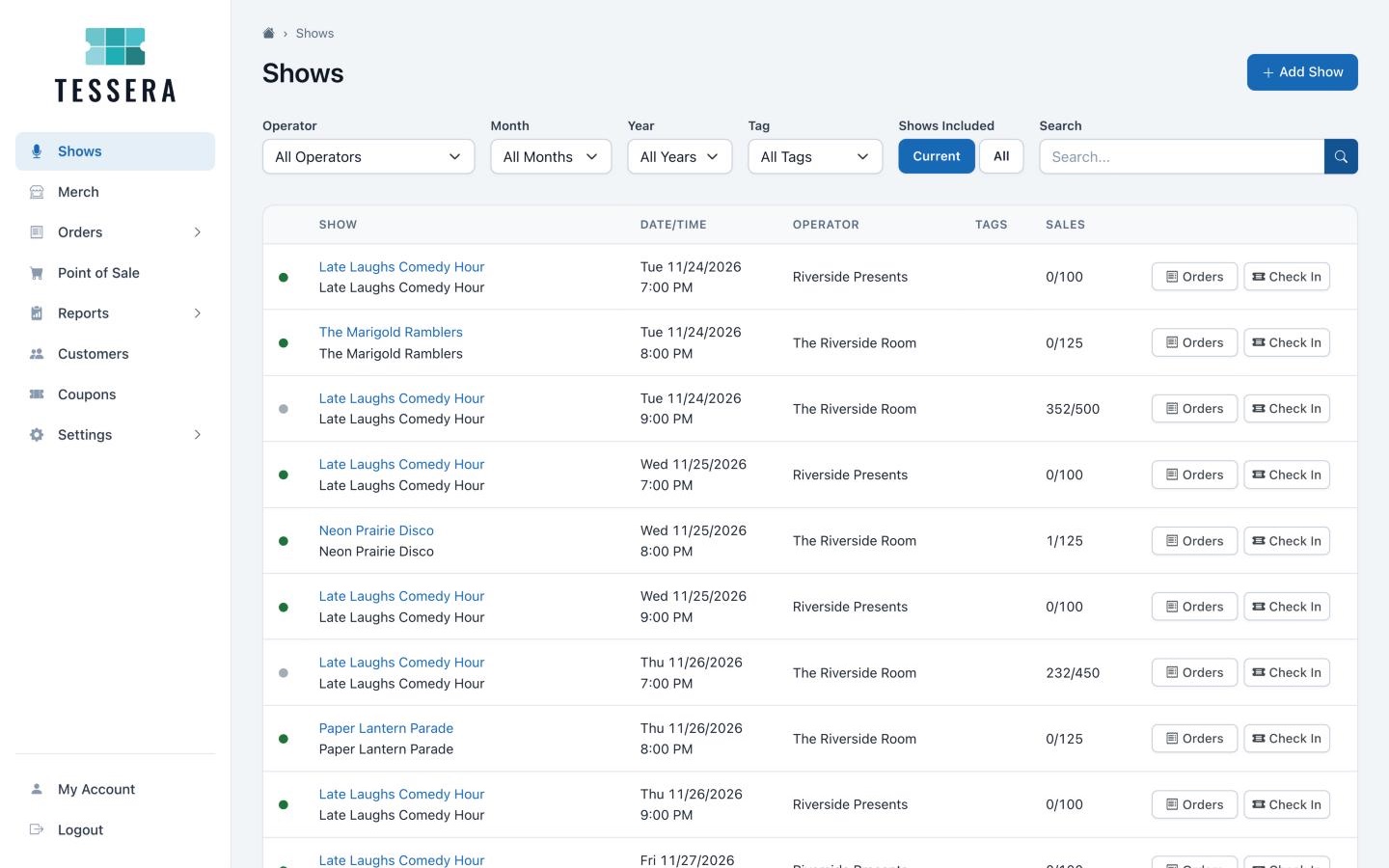
Shows in Tessera, ready to edit
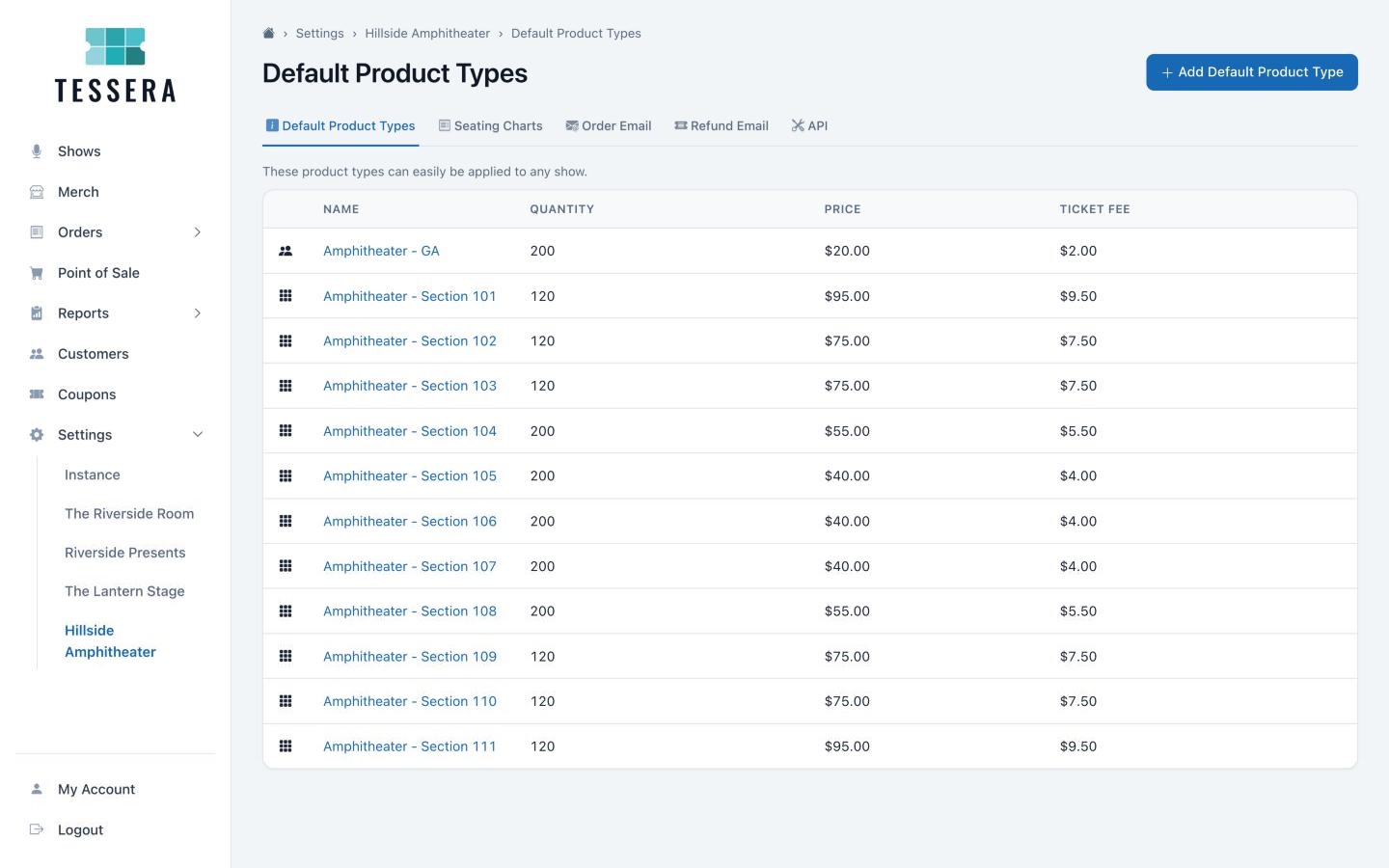
Default product types added to new shows
Keep exploring
Related features
New
Default Product Types
Define the ticket types you sell again and again, with their quantities, prices and fees.
One simple monthly fee.
We charge a monthly hosting fee for the platform. You set your own ticket fees and keep control of your revenue.